 LOW PASS
Read the climb.
Hear the terrain.
Keep the journey.
Live instruments, spoken context and a passport for mountain roads, on iPhone, CarPlay, Apple Watch and iPad.
Coming soon.
- NO ACCOUNTOpen it and drive
- OFFLINE PACKS4 published mountain regionsOffline downloads.
- 64 BADGESPlus pass stamps and climates
- APPLE INTELLIGENCEOptional story retelling
Read the climb.
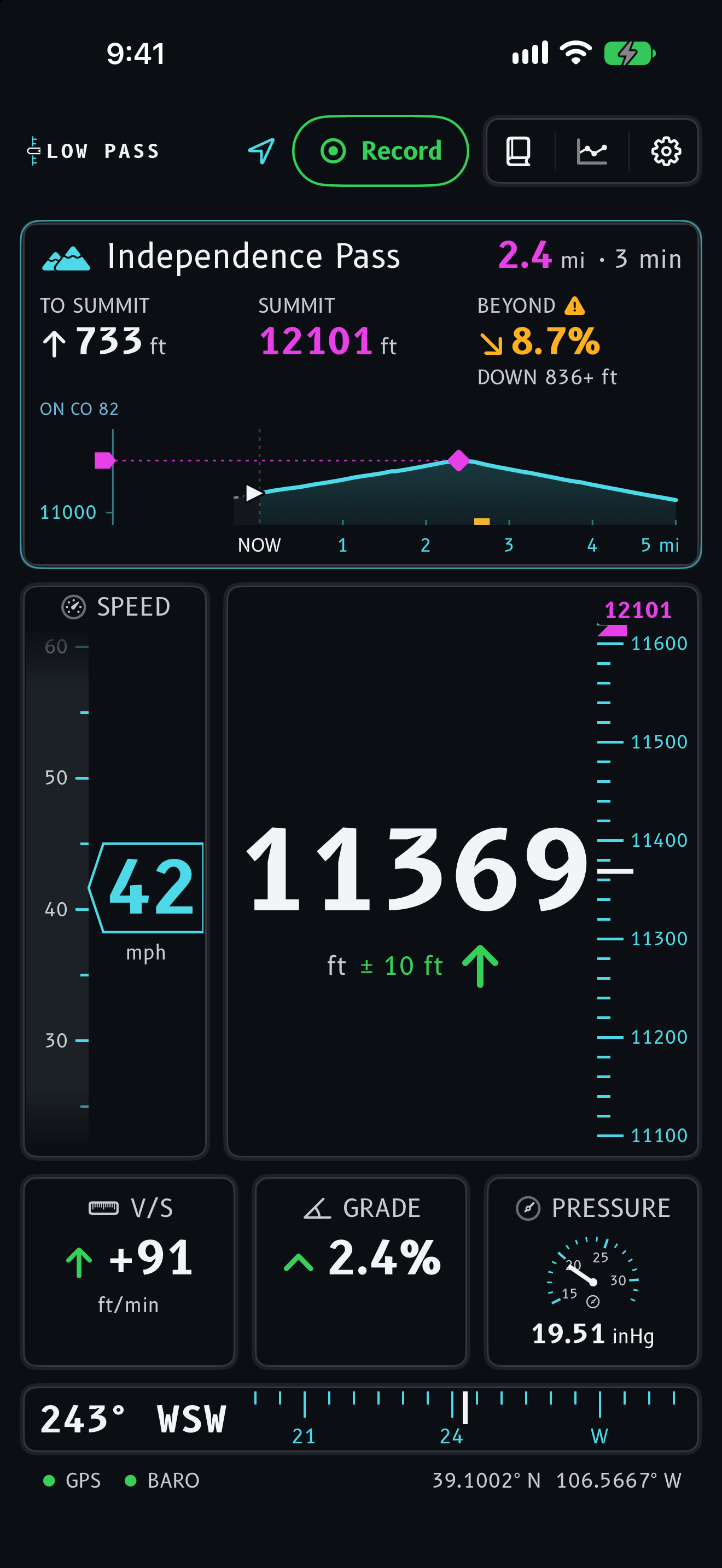
Read the approach to Independence Pass.
Scroll to drive CO-82 from Aspen to the summit at 12095 ft. The summit card shows the next named pass, its distance and the climb to it.
-
Barometer first
Your iPhone’s pressure sensor reads altitude faster and steadier than GPS alone; GPS anchors it and takes over when it has to.
-
What the summit card shows
The summit card counts the rise, marks the magenta target and reads the road past the top. Missing data shows ---, never a guess.
-
The road past the top
BEYOND turns amber at 8 % grade and red at 12 %, each with its own shape, so color is never the only signal.
-
Over the crest
Going downhill is not a warning, so descent arrows stay green; only steepness earns amber or red.
Interactive demonstration based on the CO-82 road profile; not live sensor readings. Grades here are averaged over half a mile. Road geometry © OpenStreetMap contributors via OSRM; elevation from Copernicus DEM GLO-90 (CC BY 4.0) via Open-Meteo.
Hear the terrain. Keep the journey.
Spoken context, when you want it
Mountain tour speaks up during a recorded drive: passes ahead and reached, crests, long climbs and descents, sustained grades and climbing milestones. You choose what it says.
Terrain callouts need suitable installed road-pack coverage.
SAMPLE VOICE · PASS AHEAD
TRANSCRIPT
“Independence Pass is about two miles ahead. Pass elevation, twelve thousand ninety-five feet.”
A light for official warnings
When the National Weather Service has an official warning for the road ahead, Low Pass lights a CAUTION or WARNING light. Tap it to acknowledge; the light goes out and the message stays.
Official warnings and advisories only, not forecasts, radar or watches.

Every drive, kept as a journey
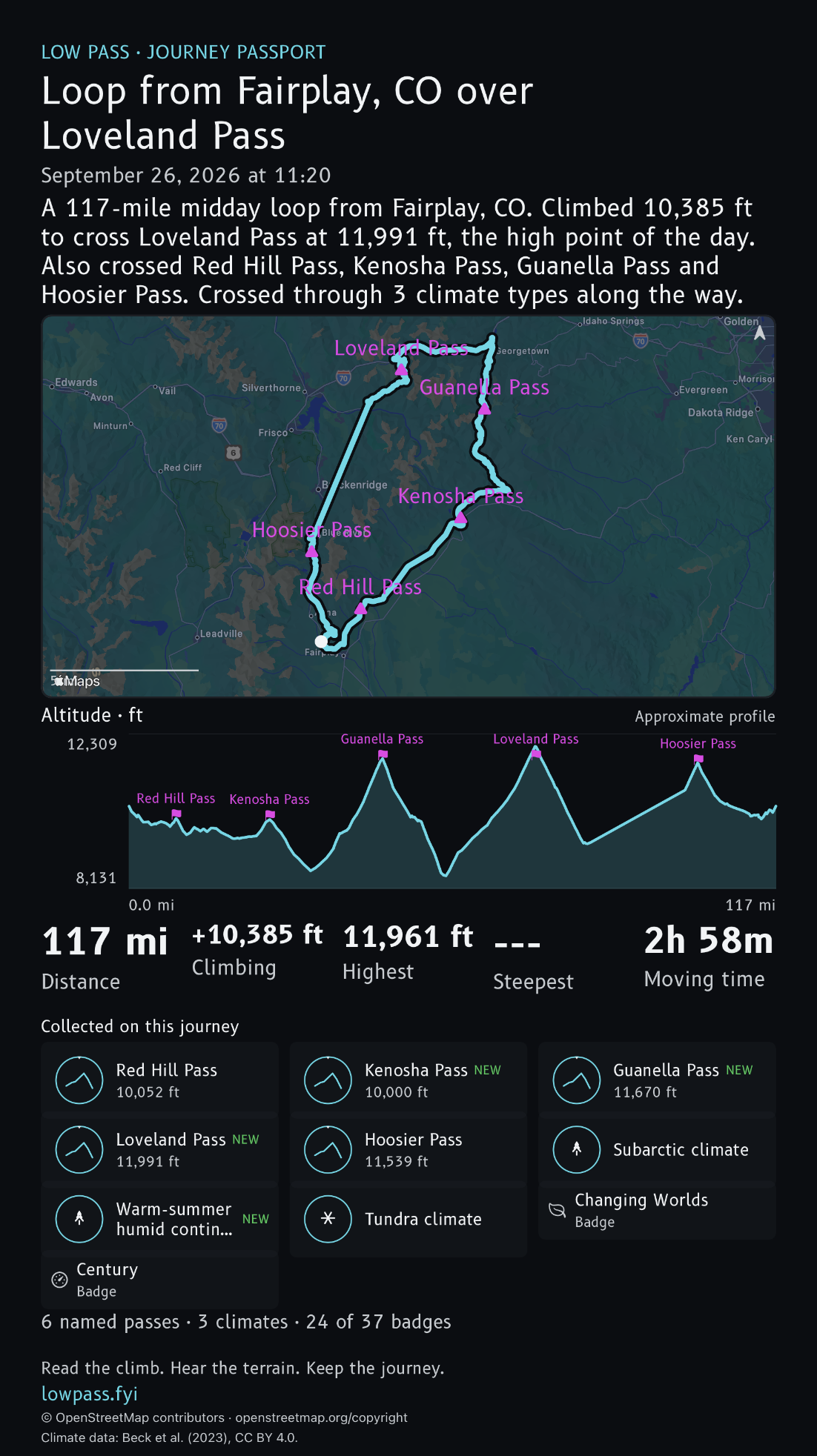
Each recorded journey fills your Explorer Passport: a stamp for every pass, the climate zones you cross, four personal records and 64 badges, with optional Game Center.
Each drive also gets a 9:16 journey card to share: the route, its story and everything it earned.
Every journey you record is saved with its map, profile, GPX export and journey card. Trips sync through your private iCloud; the Passport stays on your iPhone.
Story voices Original, Captain’s log, Trail journal, Postcard, Radio call
Every saved journey gets a short story built from its own numbers, on its Journey screen and its card. With Apple Intelligence, you can retell it in another voice. A retelling changes the tone and never adds a number or a place. It is not offered while CarPlay is connected. On iOS 27 it can use Apple’s private cloud first; you can turn that off in Settings.
STORY VOICE
Original
A 40-mile morning drive from Aspen to Twin Lakes. Climbed 4272 ft to cross Independence Pass at 12095 ft, the high point of the day, on grades up to 10%. Crossed from warm-summer humid continental into tundra along the way.
The story every journey starts with.
Captain’s log
Captain’s log. Morning departure from Aspen, bound for Twin Lakes, 40 miles on the chart. We climbed 4272 ft to cross Independence Pass at 12095 ft, the high point of the day, with grades up to 10%. Somewhere along the way the climate changed from warm-summer humid continental to tundra. Log closed at Twin Lakes.
Example retelling. Numbers and places are the ones in the original story.
Trail journal
Left Aspen this morning and rolled 40 miles to Twin Lakes. The big effort was Independence Pass: 4272 ft of climbing to a 12095 ft summit, with grades up to 10% along the way. It was the high point of the day, and the country changed with it, from warm-summer humid continental to tundra.
Example retelling. Numbers and places are the ones in the original story.
One drive, every screen.
Useful instruments from the first drive, on whichever screen is in front of you.
| Device | What it does |
|---|---|
| iPhoneRuns the drive and records it. | Instruments: altitude, ascent rate, grade, speed and heading. On the road: the summit card, terrain detail, Mountain tour and spoken alerts. Afterward: journeys with maps, profiles, GPX export and cards, Passport discoveries, and a link to send a journey to a passenger. Also: Apple Intelligence retelling, search and season recaps, a live card on the Lock Screen, and eleven instrument themes. |
| CarPlayAltitude on the Dashboard. | A Dashboard tile with live altitude from the iPhone Live Activity, and a CarPlay cockpit app with nearby passes that open in Apple Maps for directions. |
| Apple WatchA glance on your wrist. It doesn’t record trips or use region packs. | Watch-native instruments, complications, the Elevation here Smart Stack card, and mirrored altitude from your iPhone. |
| iPadA larger cockpit, with a live map beside it. | The expanded cockpit, your position and recorded track on the live map, and journey recording. On a Wi-Fi-only iPad, altitude and the compass work; speed, grade and terrain need GPS. |
No account to create: open the app and drive.
Screenshots by device iPhone, CarPlay, Watch, iPad
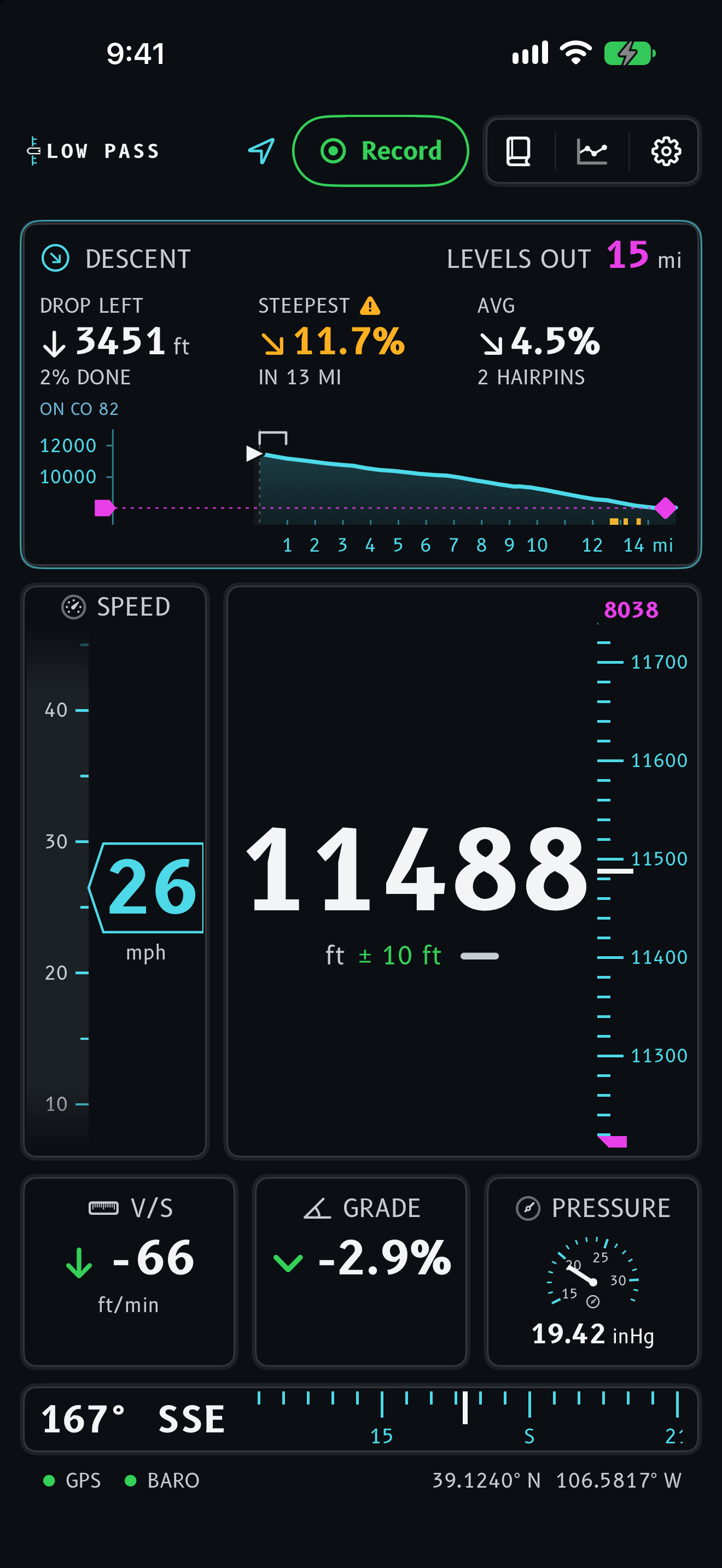

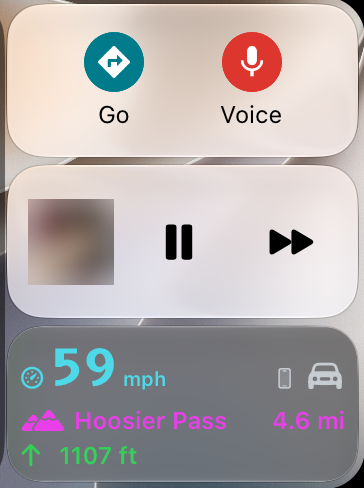
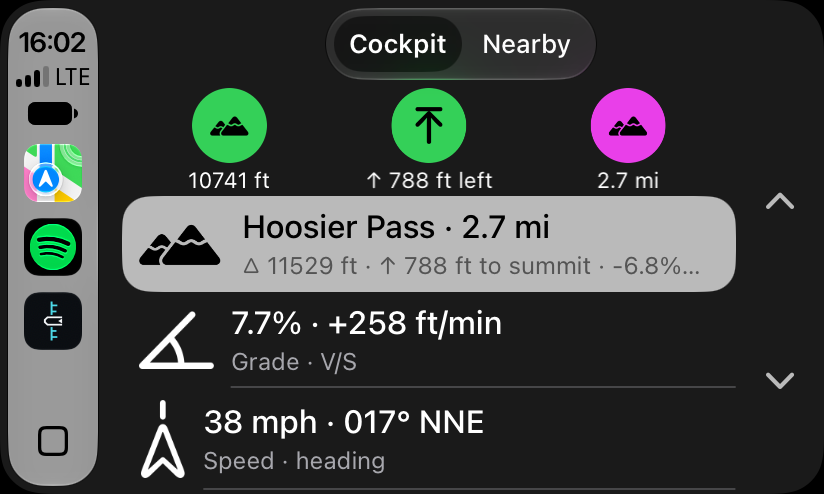
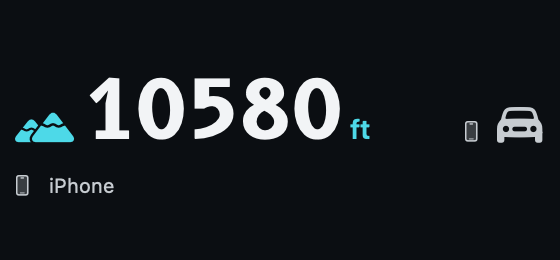
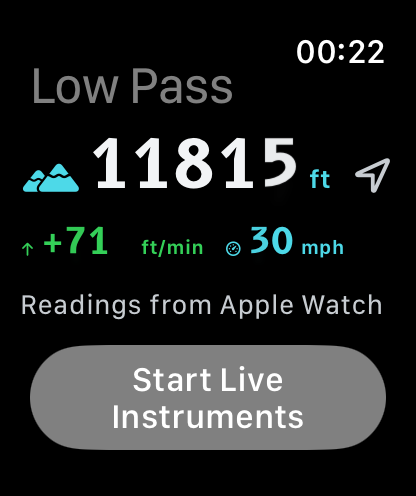
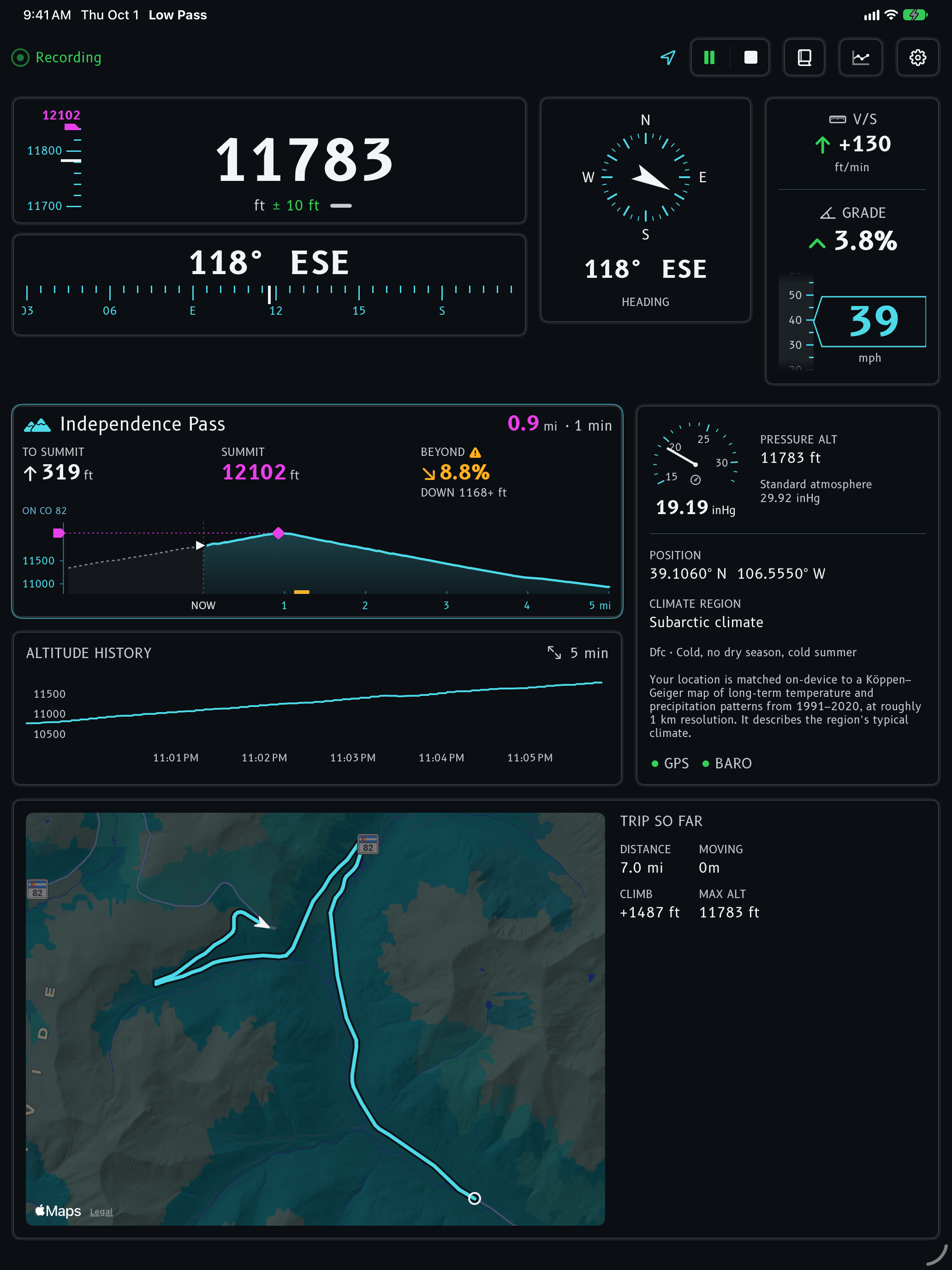
CarPlay images are from real drives; the Dashboard album art is blurred. Phone, Watch and iPad images use a recorded GPX replay. The Live Activity and Dashboard tile are component previews.
Instrument themes Boeing, High contrast and nine more
Boeing and High contrast, then Airbus, Learjet, helicopter, orbital, rally and more. Same live readings, a different world around them.
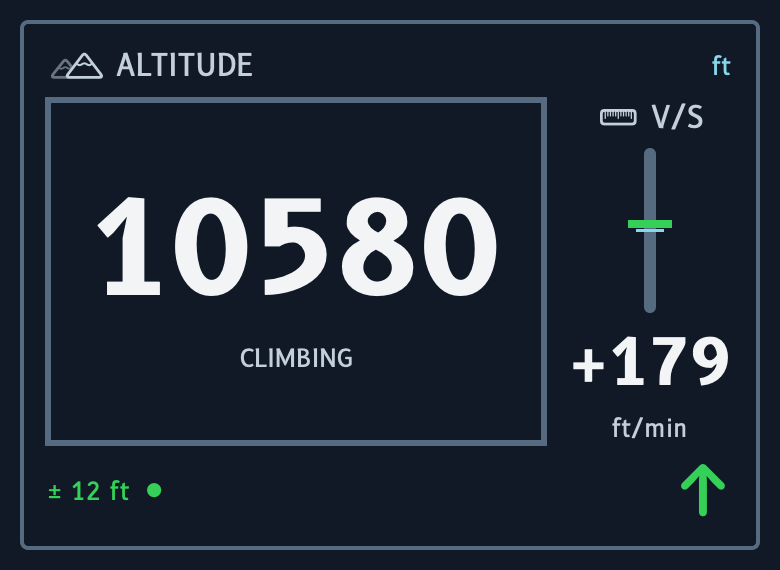
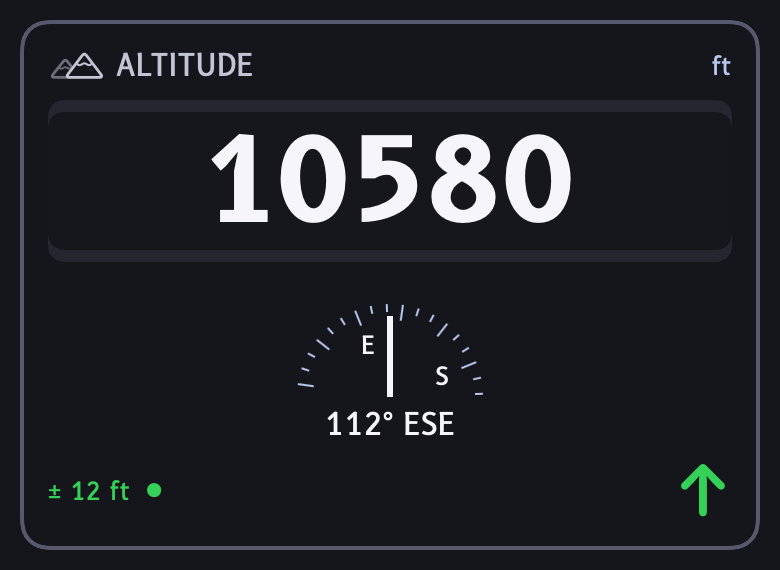
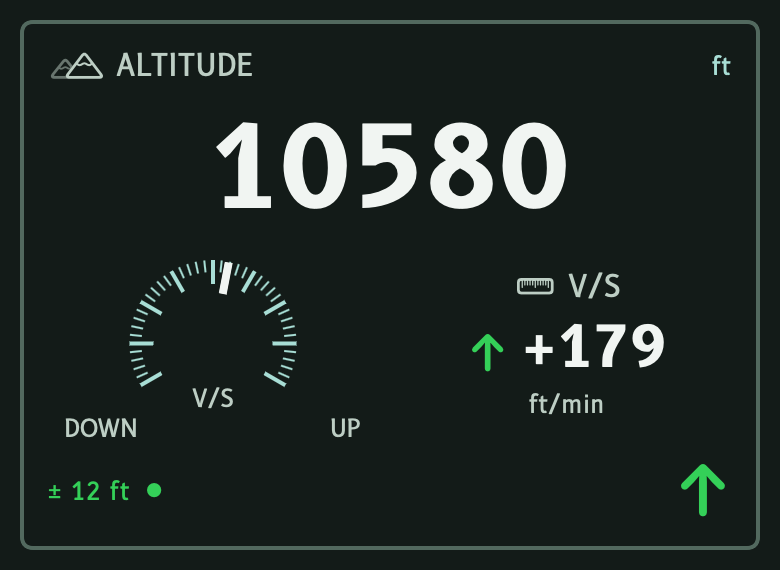
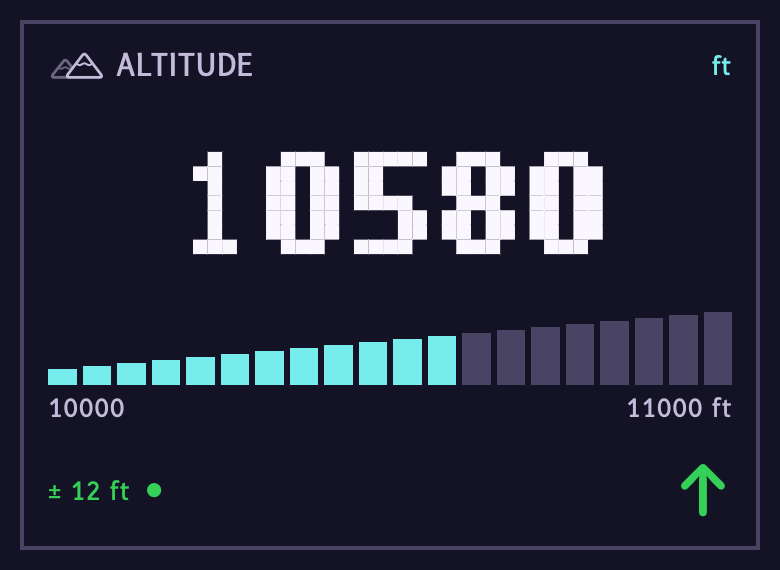
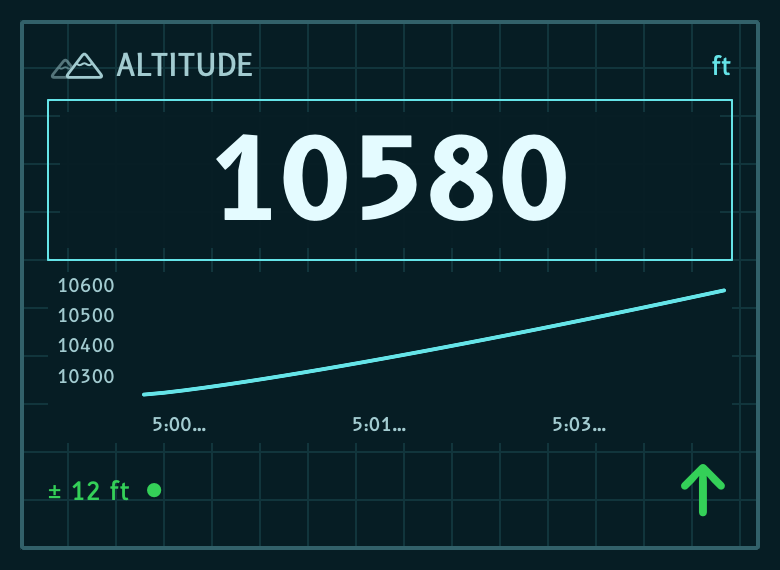
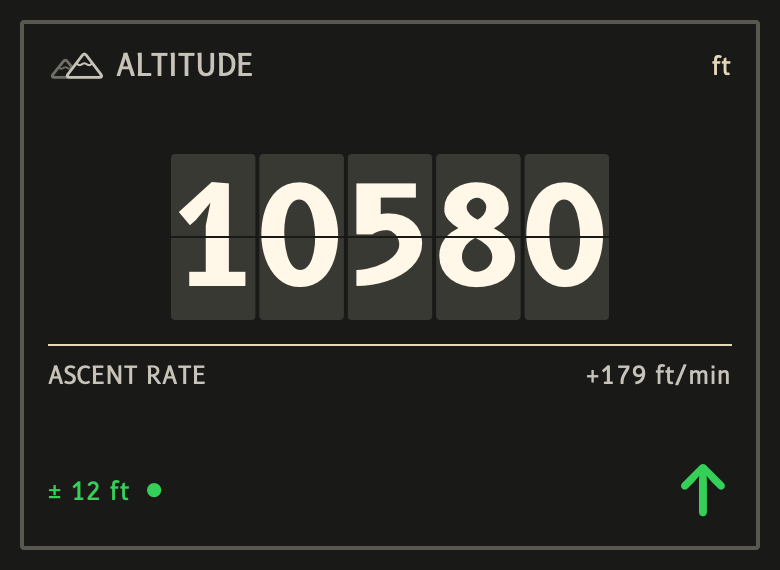
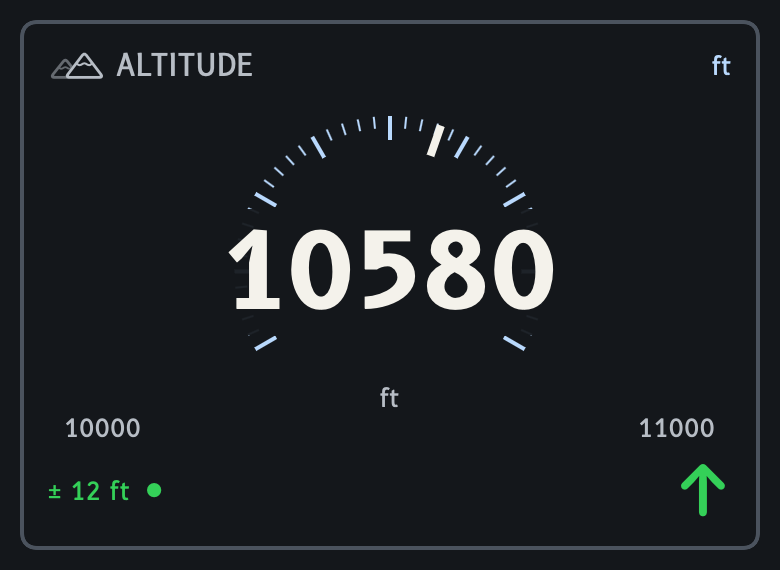
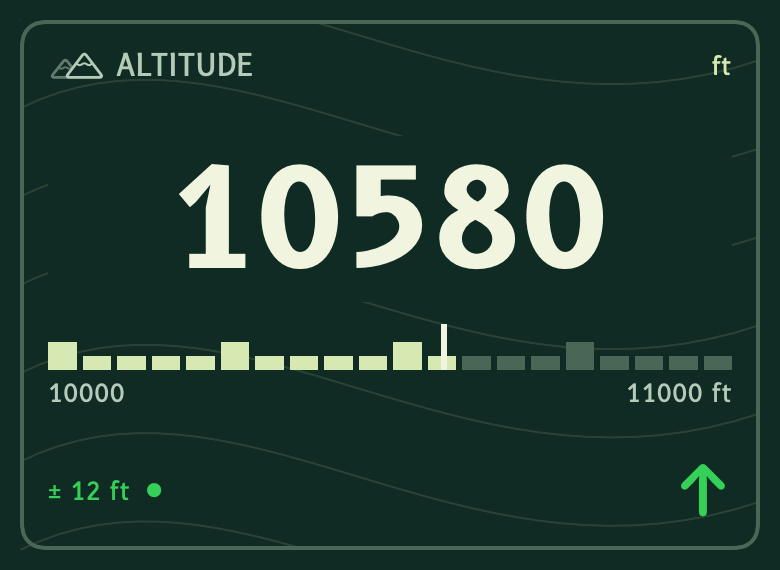
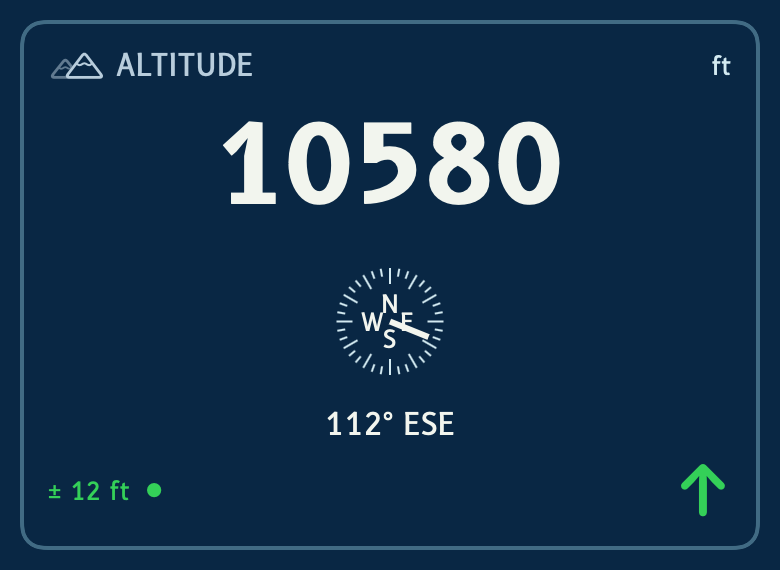
Native instrument previews with sample readings, not app screenshots. Full theme layouts appear on iPhone and iPad; compact surfaces adapt the styling to fit.
Before you go Packs, privacy, good to know
- Region packs
- Four mountain regions are published: Colorado Rockies, Sierra Nevada, Cascades and Northern Rockies. Base road packs cover 49 states plus DC; Alaska is not covered. Regional packs download over Wi-Fi by default, and small base packs can download over cellular. Packs work offline. Settings shows what is available.
- Without a pack
- Altitude, ascent rate, grade, speed and heading work without a pack. Terrain ahead, road names and speed limits need a road pack; regional packs add finer mountain detail.
- Your data
- iCloud and Game Center are optional. Product analytics are on by default, with an off switch in Settings. They never include your location, routes or trip names. Read the privacy policy.
- Climate is not weather
- Climate discoveries describe long-term climate zones, not conditions today.
- Directions
- Apple Maps owns the route. Low Pass shows nearby passes and opens them in Apple Maps.
- Reading the panel
- The instrument manual has a pre-flight checklist and a guide to every instrument.
- More help
- Compatibility and feature details are in the support pages.

Coming soon.
Read the climb. Hear the terrain. Keep the journey.